Snap it.Style it.1
SnapShotGo.🔥
Turn boring browser screenshots into stunning, presentation-ready visuals in seconds. No Figma. No Photoshop. No design degree.
See how a boring screenshot becomes share-worthy in 10 seconds.
SnapShot Go turns raw browser captures into presentation-ready masterpieces instantly. Watch the speed in real-time.
Stop App-Switching.
Start Shipping.
Why spend 20 minutes switching between apps
when you can ship in 10 seconds from your browser?
Desktop Apps
$29- 1Download 80MB app
- 2Install & restart Mac
- 3Learn the UI
- 4Take screenshot
- 5Edit in separate window
Design Tools
Slow & Manual- 1Open app/browser
- 2Create/Upload to Frame
- 3Design background
- 4Adjust shadows & scale
- 5Export & download
Total Time Waste
20 Minutes
SnapShot Go
Lives in Chrome
Hit the SnapShot Go icon in Chrome toolbar
Pick background, frame, shadow — all instant
Export PNG or copy to clipboard. Done.
Winning Time
10 Seconds
Loved by makers.
Everything to make
every screenshot shine.
Stop wasting hours in design tools. SnapShot Go does in seconds what used to take 20 minutes.
Beautiful Backgrounds
12 gradient presets, solid colors, blur mode, and 8 premium image backgrounds. Always looks stunning.
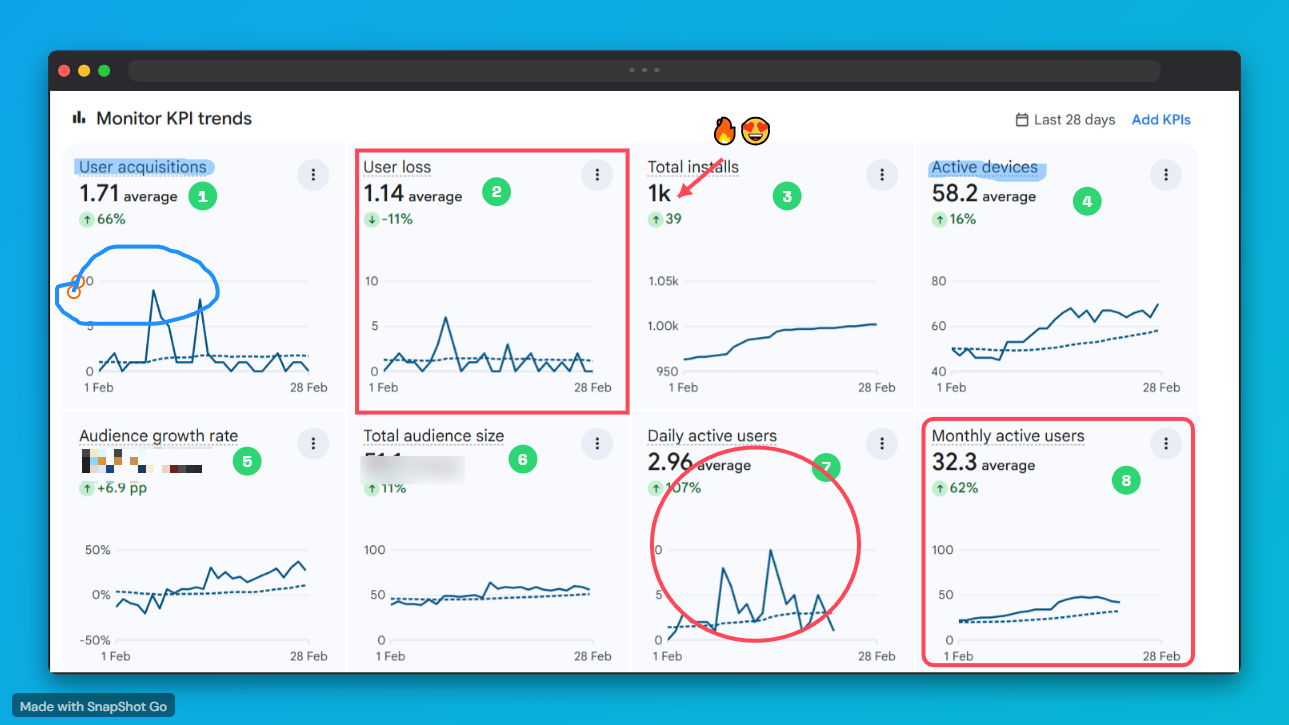
Annotate Like a Pro
Arrows, shapes, text, highlights, and emoji reactions. Mark up screenshots without leaving your browser.
Device Frames
MacBook Pro and Browser Window frames rendered pixel-perfect. Makes any screenshot look like a product demo.
Social-Ready Canvas Sizes
Export at exactly the right size for every platform. Twitter, Instagram, Product Hunt, LinkedIn — one click to resize perfectly.
Shadow System
Adjustable intensity and offset. Makes screenshots float off the background with a natural, cinematic depth.
Custom Watermark
Brand every screenshot with your name or handle. Build recognition every time someone shares your work.
Instant Copy & Export
One click to copy to clipboard or download PNG. Paste anywhere — Notion, Slack, email, Twitter — in seconds.
100% Private
Everything runs locally. No screenshots ever leave your device. No accounts. No tracking. No servers.
Perfect for everyone.
SnapShot Go helps you stand out, no matter what you're building or sharing.
Indie Hackers
Sharing progress updates and build-in-public journey
SaaS Founders
Crafting beautiful product screenshots for social media
Developers
Creating clear, professional documentation and READMEs
Designers
Presenting UI/UX concepts with premium device frames
Students
Creating organized, visually engaging study notes
Made with SnapShot Go
Hover to pause · Click any image to preview it full size
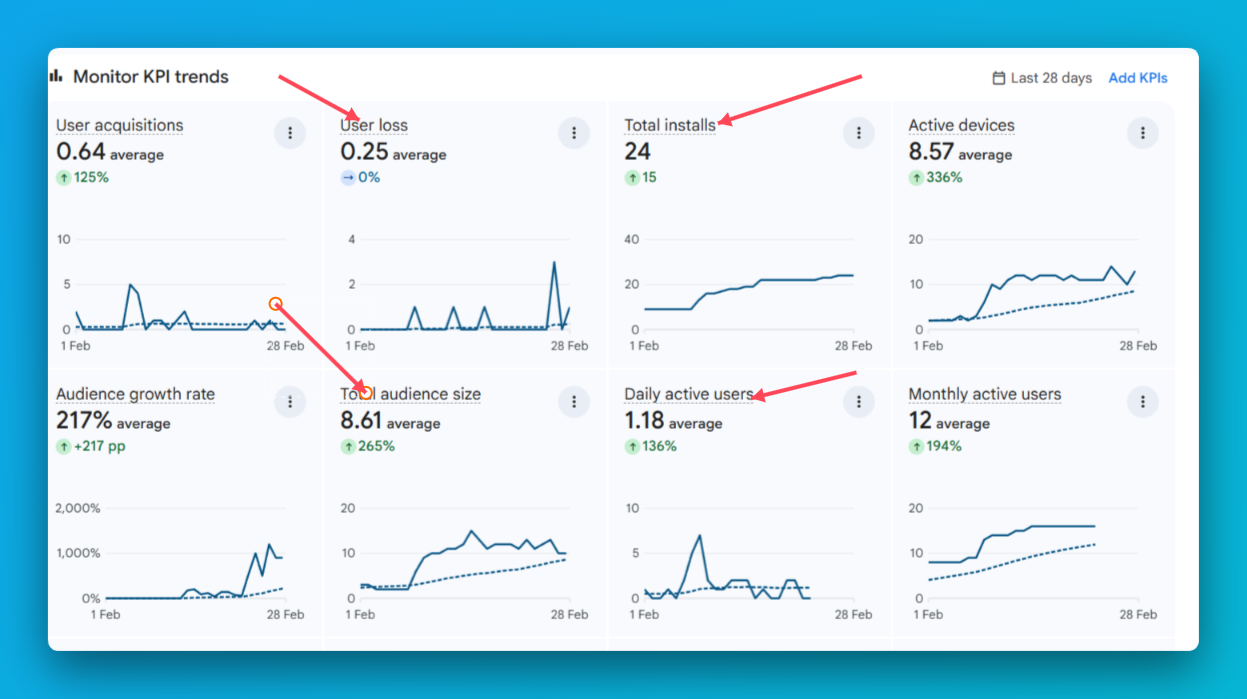
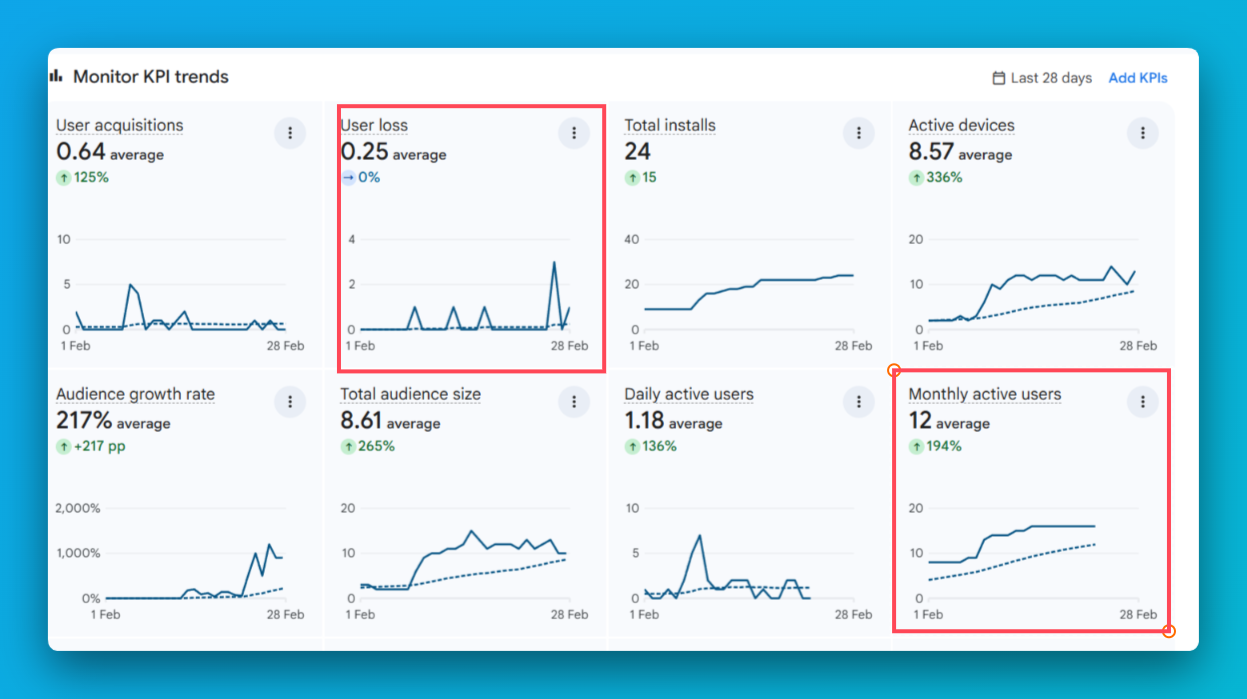
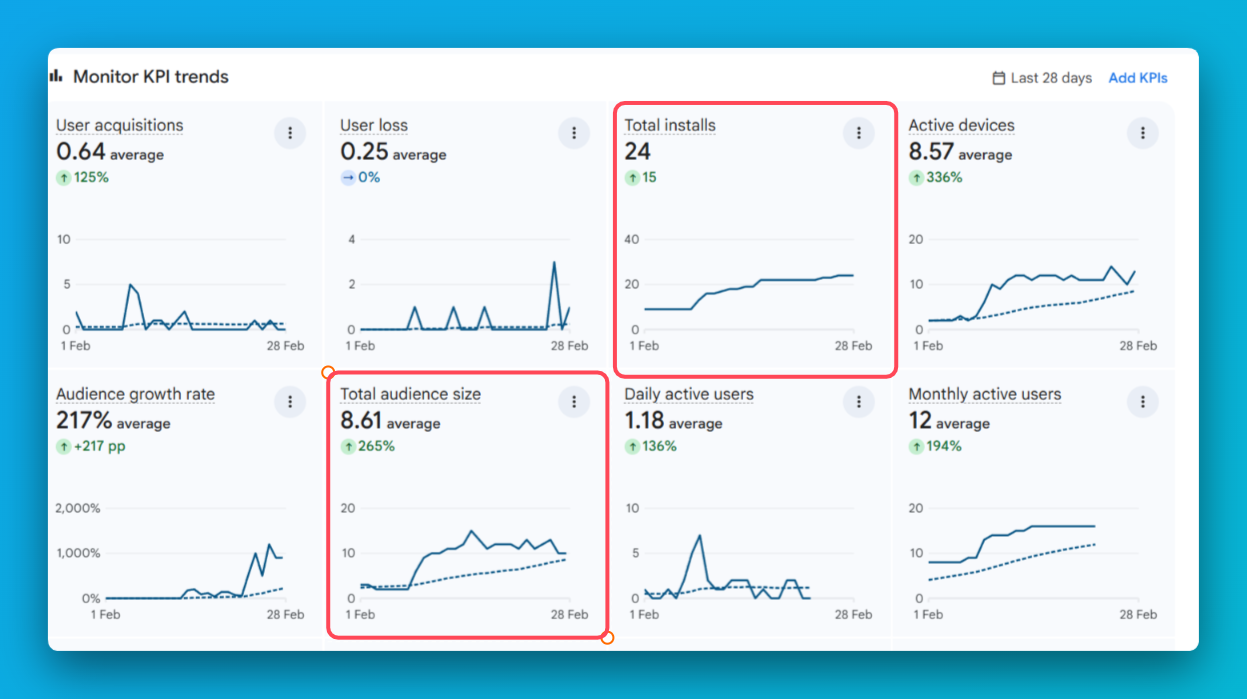
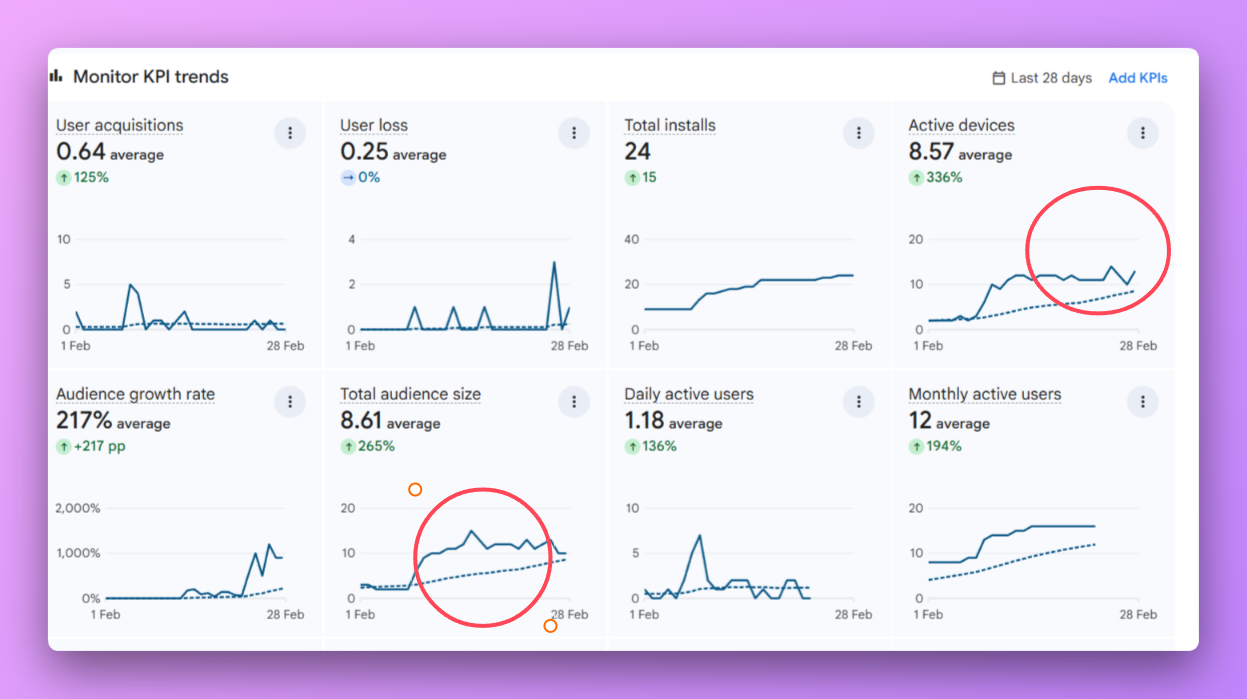
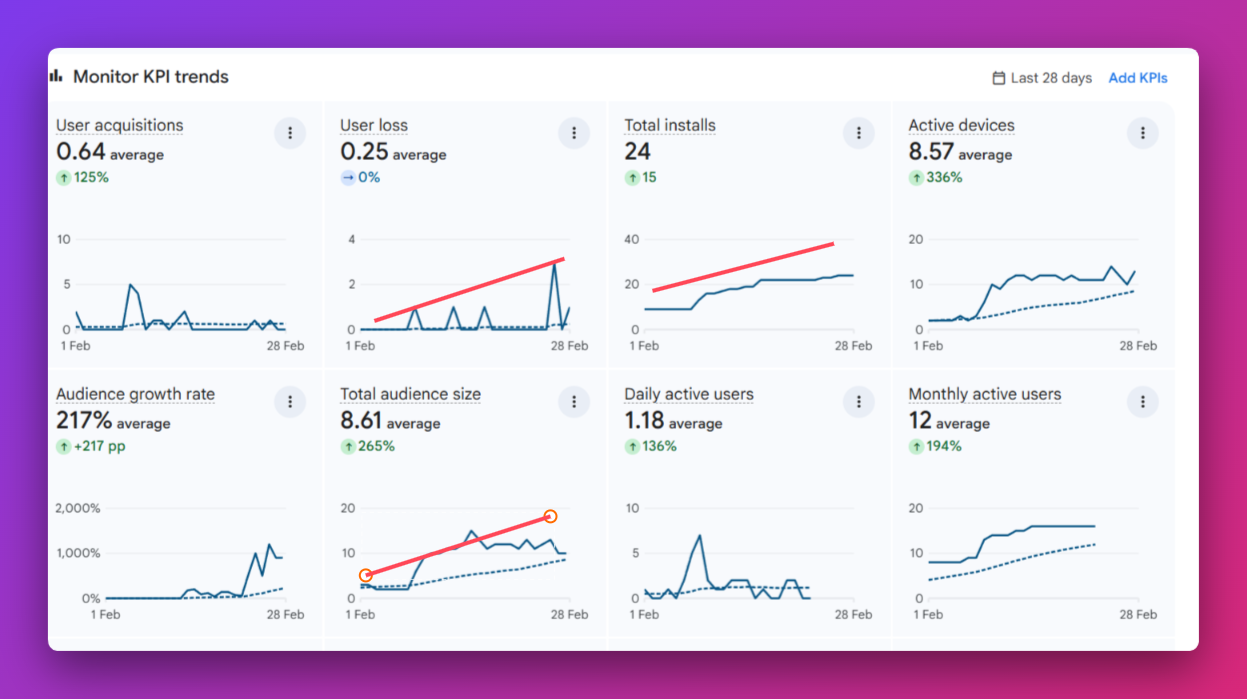
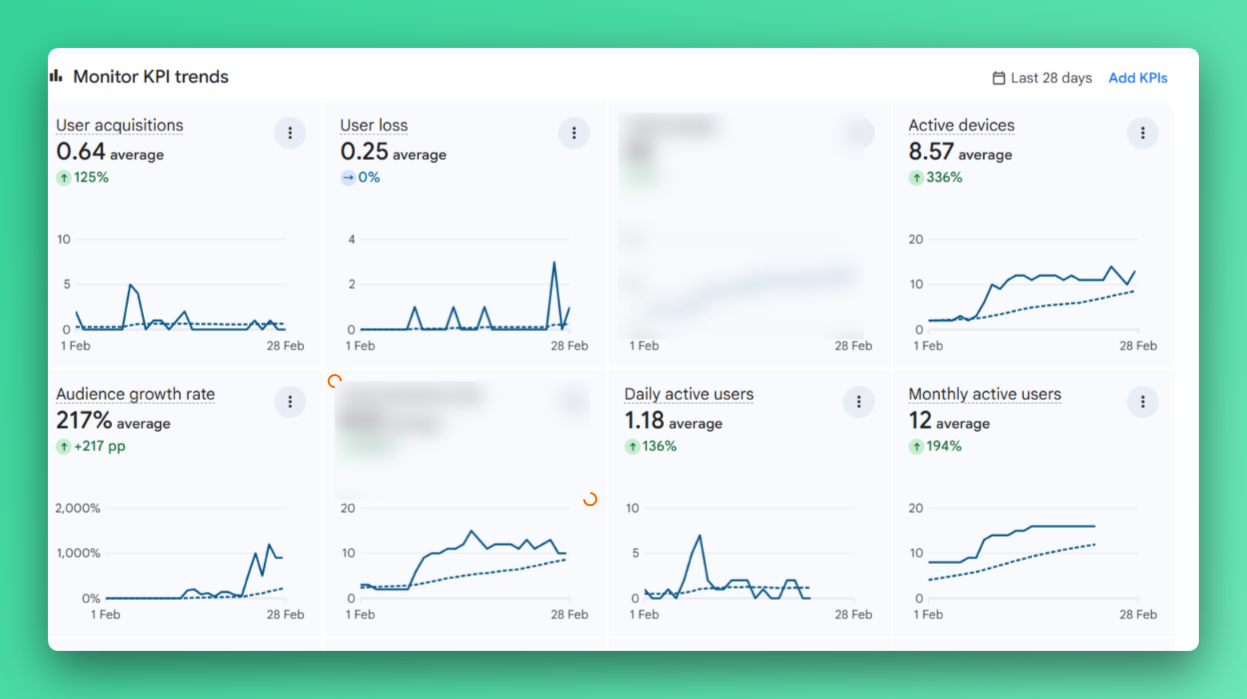
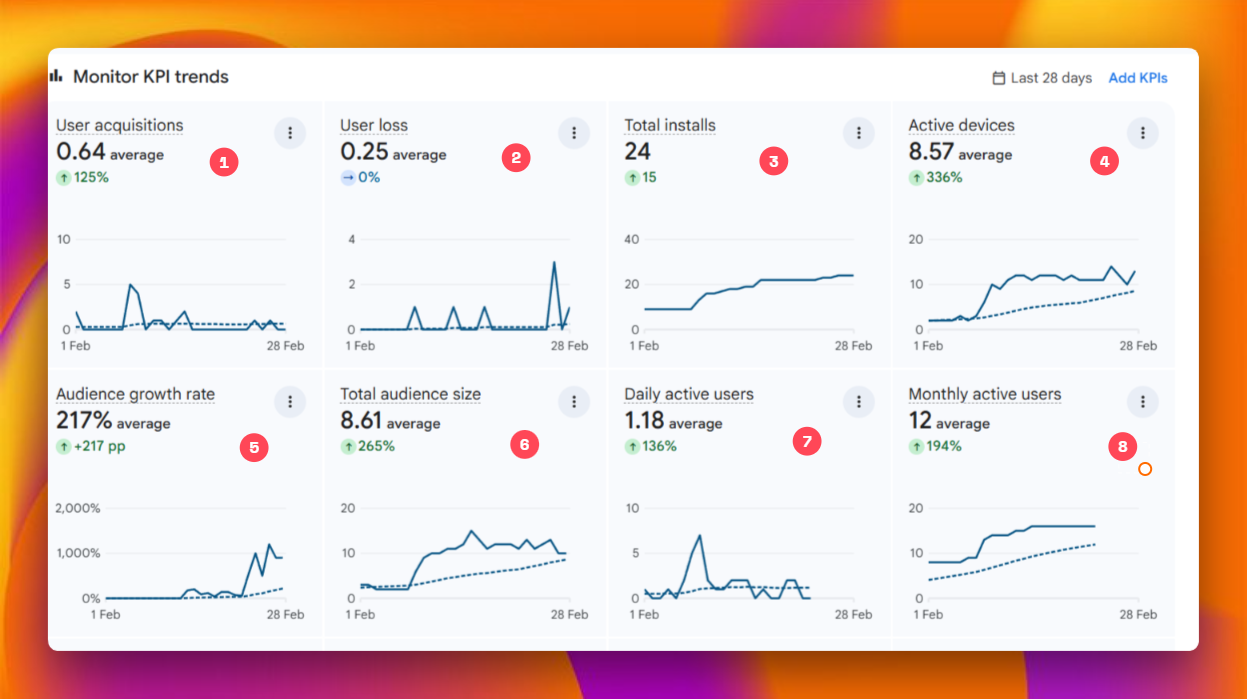
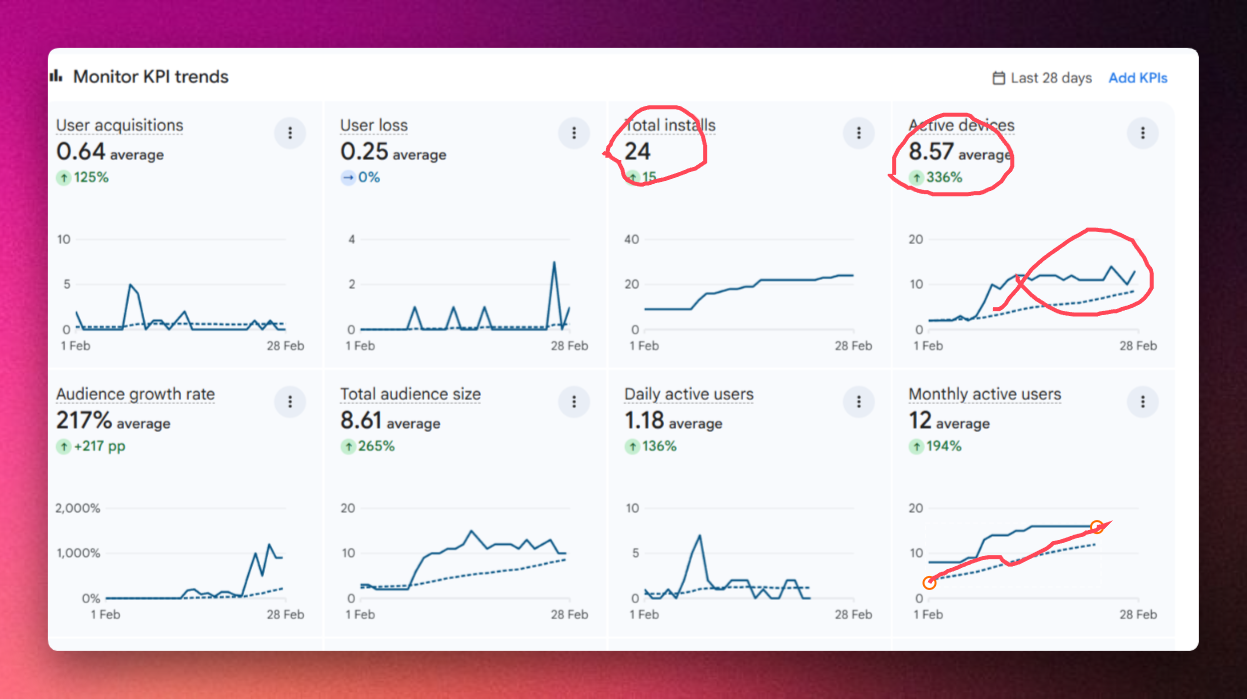
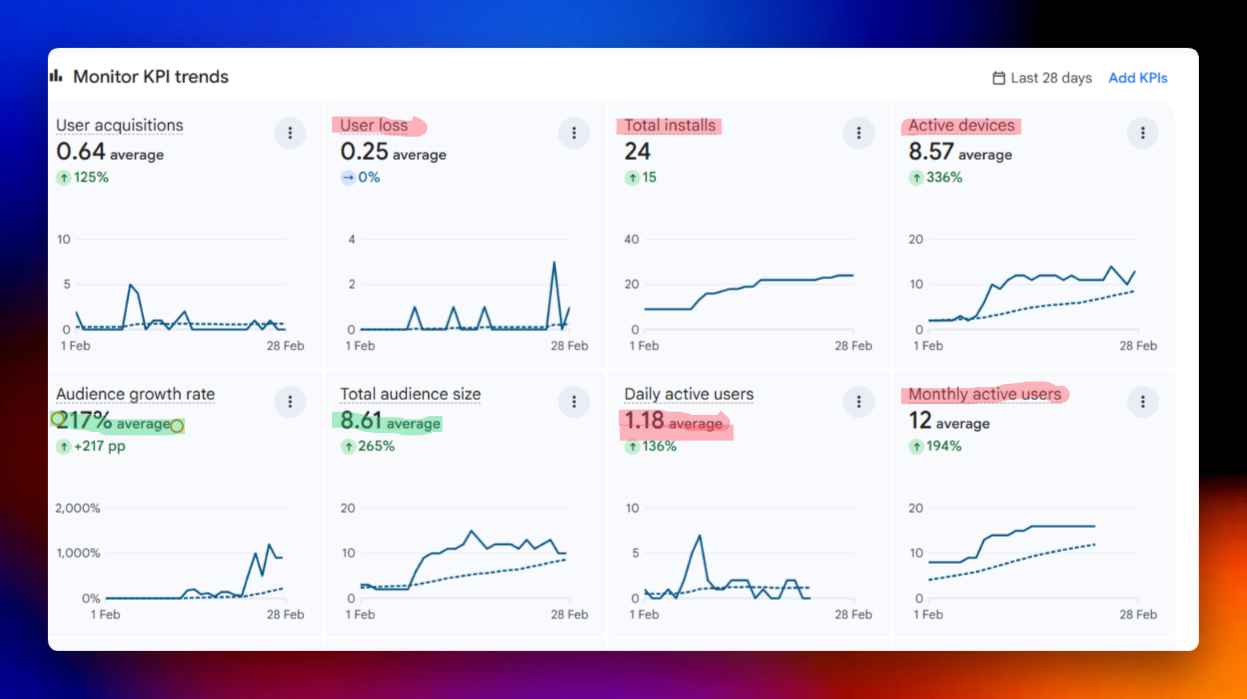
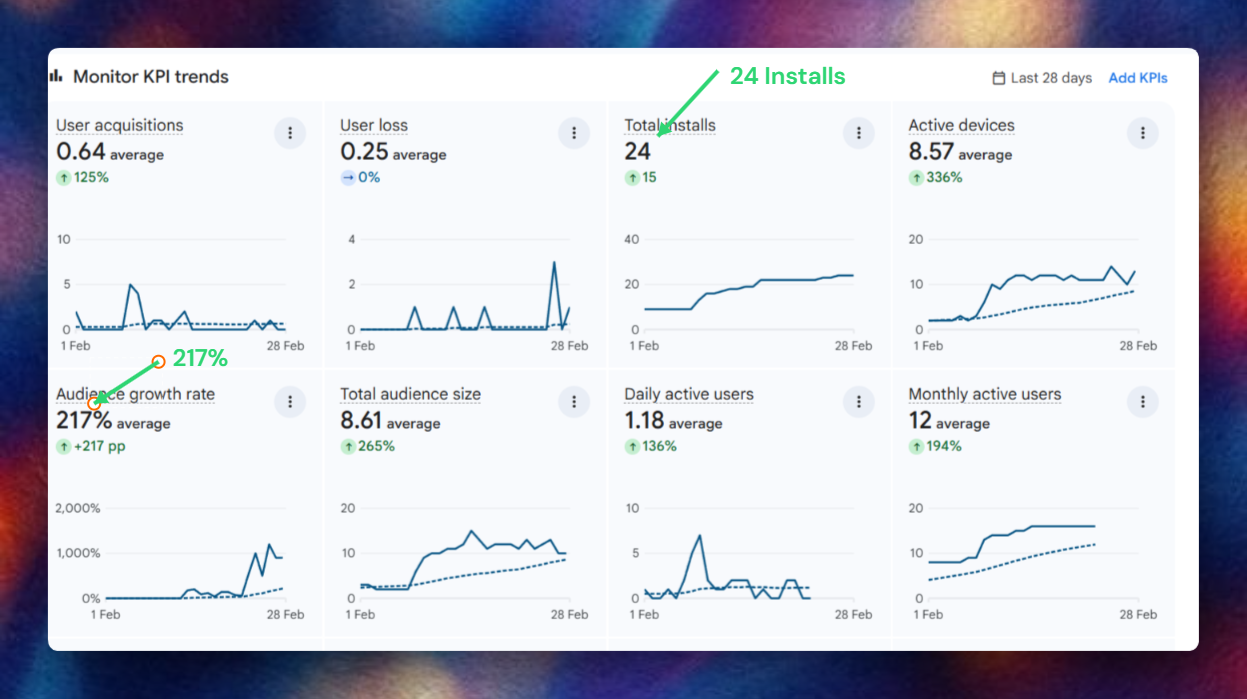
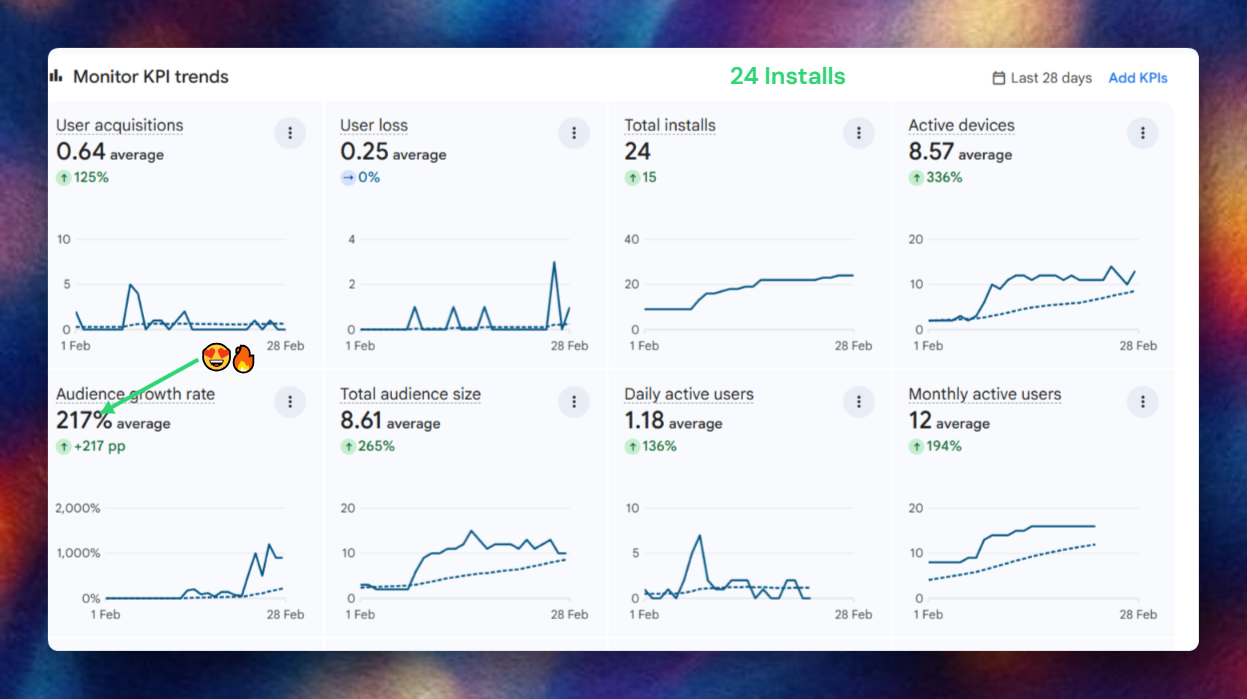
Annotate Like a Pro
Highlight what matters. Hide what doesn't. Create high-quality documentation in seconds.
Arrow
Point to important elements with precision arrows
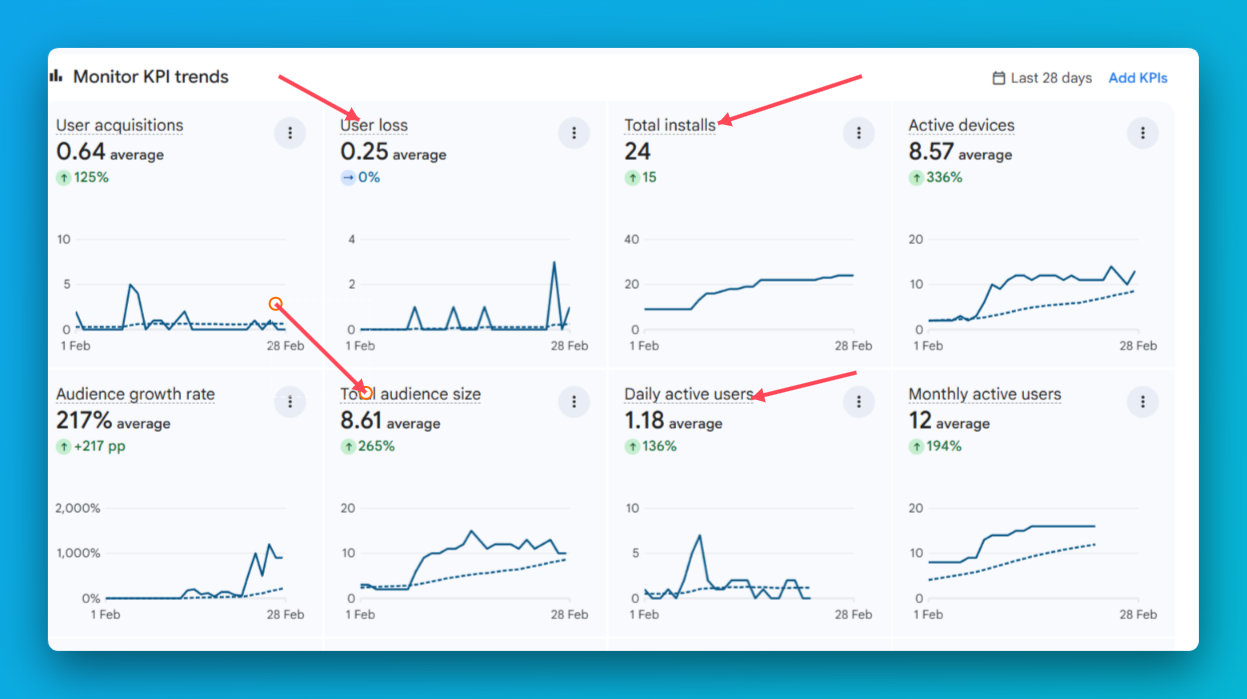
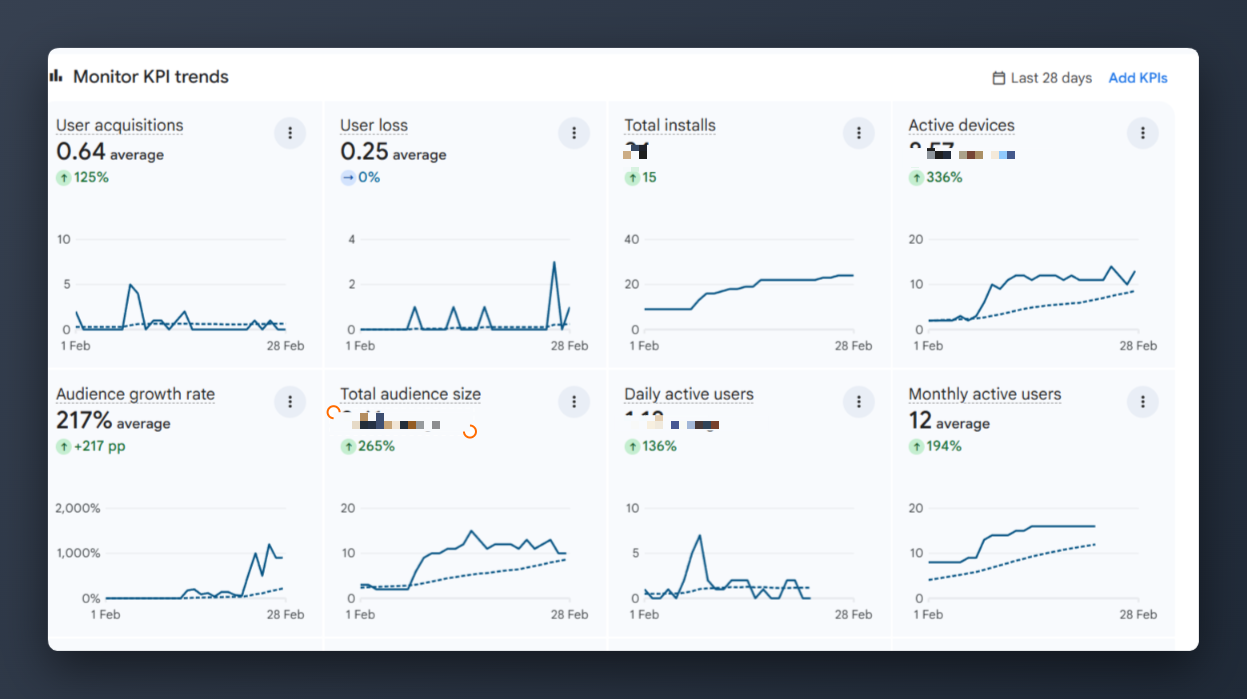
Beautiful Backgrounds
Plain screenshots are forgettable. Pick from 18+ hand-crafted gradients.
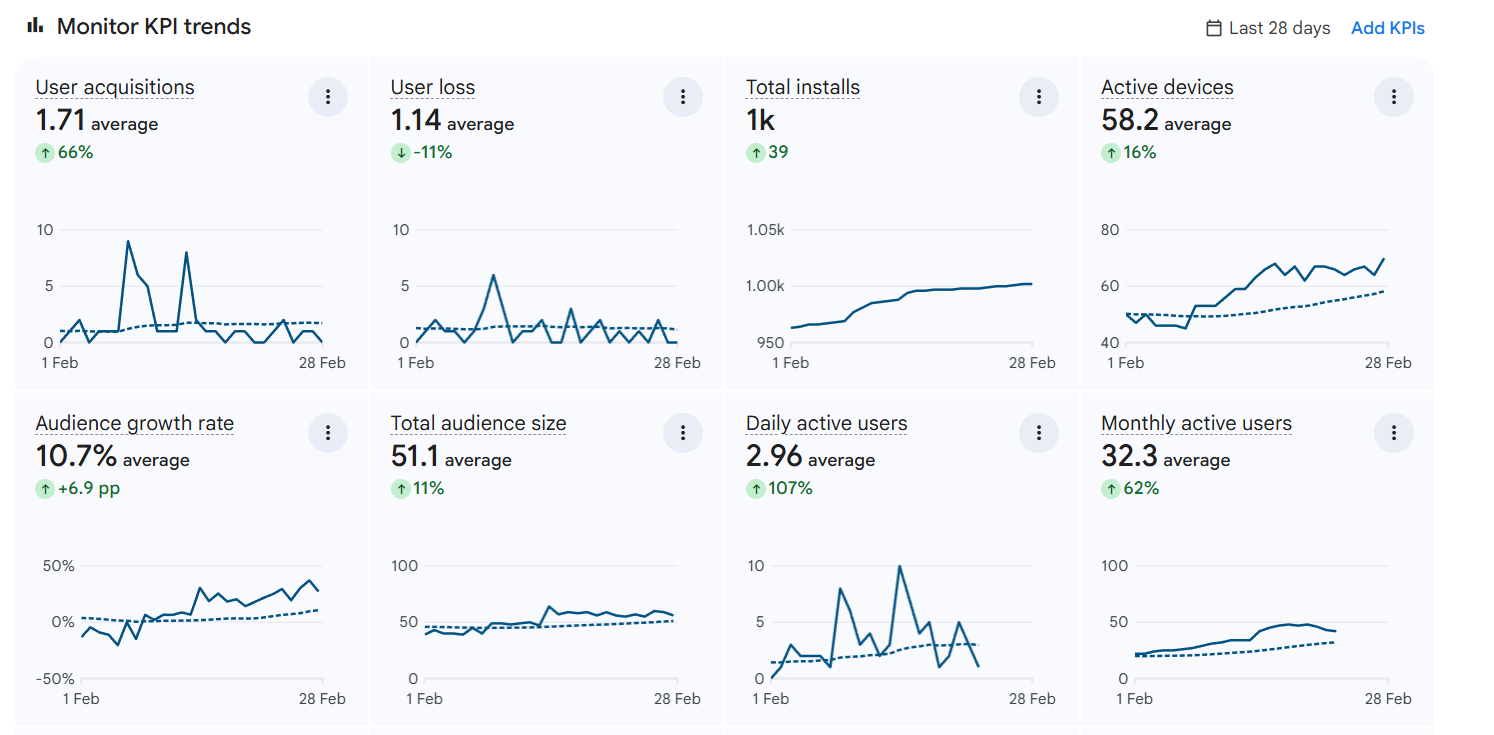
Same screenshot.
Totally transformed.
One click is all it takes. No design skills. No extra software.
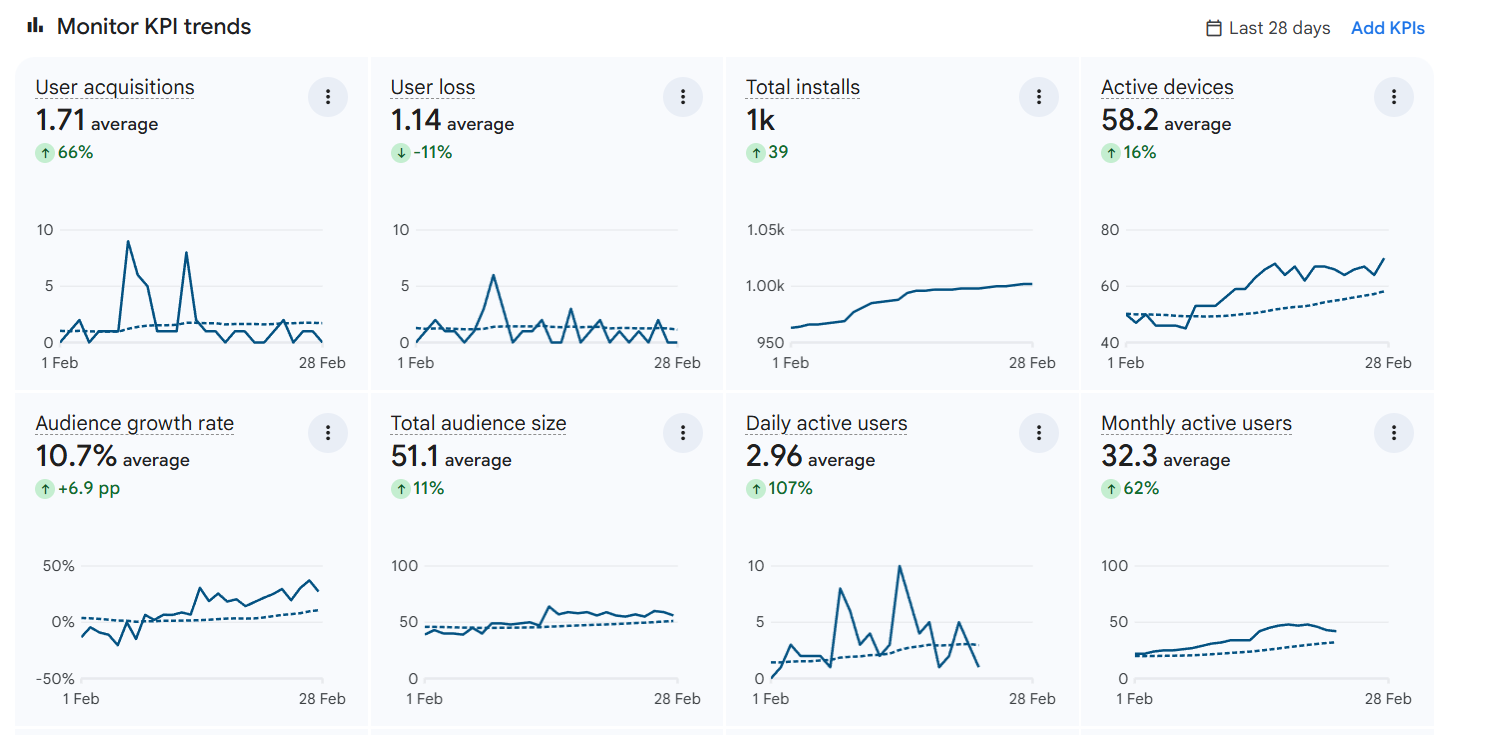
Three steps.
That's literally it.
Snap
Click the SnapShot Go icon in Chrome. One click captures the entire visible tab instantly — no cropping, no fussing.
Style
Choose backgrounds, device frames, shadows, and annotations. Watch your screenshot transform in real-time.
Ship
Export as high-res PNG or copy directly to clipboard. Paste into Twitter, Notion, Slack, Product Hunt — anywhere.
Snapshot Go vs Default
Standard screenshots are boring. SnapShot Go gives you superpowers.
| Feature | Snapshot Go | Default Screenshot |
|---|---|---|
| Beautiful Backgrounds | ||
| 12+ Annotation Tools | ||
| Branding Ready | ||
| Device Frames | ||
| Shadow Systems | ||
| One-Click Social Sizes |
Simple, honest pricing.
Free forever to start. Upgrade once when you're ready. No surprises.
Got Questions?
Yes, 100%. Pay once and Pro Lifetime is yours forever. No subscriptions, no renewal fees, no surprises. All future updates ship free to your account.
Stop sharing boring screenshots.
Start sharing visuals that convert.
Join 1,000+ developers and designers who stopped using plain screenshots forever.